
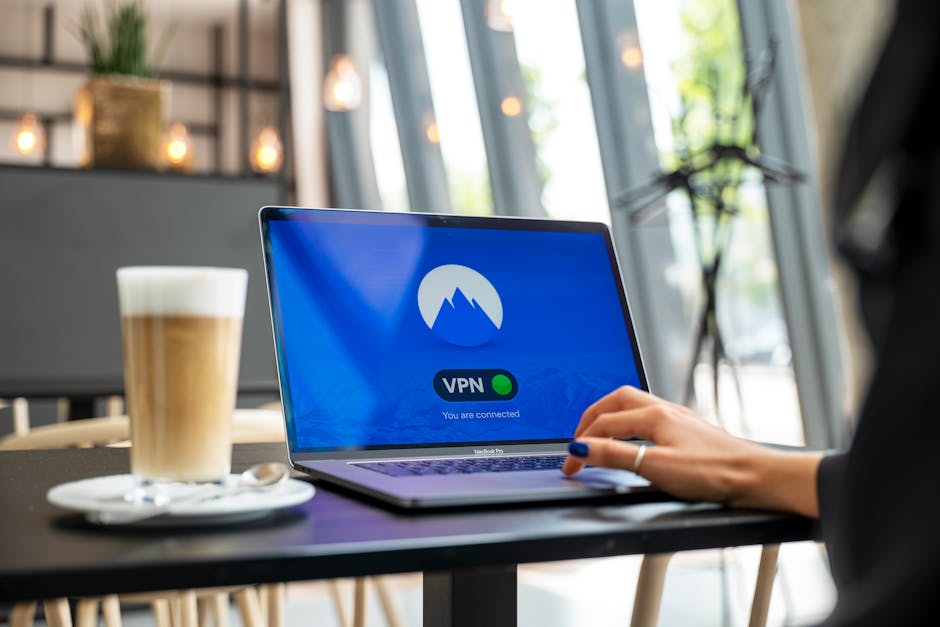
If you or your employees work from coffee shops, airports, home offices, or anywhere outside your main business network, you are transmitting sensitive data over connections you do not control. Client information, financial records, login credentials, and proprietary documents all pass through networks that could be monitored or compromised.
A virtual private network, or VPN, creates an encrypted tunnel between your device and the internet. This tunnel scrambles your data so that even if someone intercepts it, they cannot read it. For small businesses with remote teams or owners who work on the road, a VPN is one of the simplest and most effective security tools you can deploy.
What a VPN Actually Does
When you connect to the internet without a VPN, your internet service provider, the network owner, and anyone with the right tools can see which websites you visit, what data you send, and sometimes even the content of unencrypted communications. On public Wi-Fi at a hotel or café, this risk is even higher.
A VPN solves this by routing your traffic through a secure server operated by the VPN provider. Your data is encrypted before it leaves your device, travels through the VPN server, and then reaches its destination. To anyone watching the network, your activity looks like random noise. They cannot see what websites you are visiting or what data you are transmitting.
This is especially important if you handle customer data, payment information, or business files that would cause real damage if exposed. Even if your website or email service uses HTTPS, a VPN adds another layer of protection at the network level.
When Your Business Should Use a VPN
You should use a VPN any time you connect to a network you do not control. That includes public Wi-Fi at airports, libraries, hotels, and coffee shops. It also includes working from home if you share a network with others or live in an area where network security is inconsistent.
If your team accesses company servers, client databases, or financial systems remotely, a VPN should be required. If you send contracts, proposals, or pricing documents over email while traveling, a VPN protects those transmissions. If you log into your business bank account or payment processor from a laptop outside the office, a VPN makes sure no one else can see your credentials.
Some industries have compliance requirements that effectively mandate encrypted connections for remote work. Even if yours does not, the reputational and financial cost of a data breach is enough reason to take this step.
Choosing the Right VPN Service
Not all VPN services are equal. Free VPNs often log your activity, inject ads, or sell your data to third parties. That defeats the entire purpose. For business use, you need a reputable, paid VPN provider with a clear privacy policy.
Look for a service that uses strong encryption standards like AES-256, supports multiple devices, and has servers in locations that matter to your business. If you need to access U.S.-based services or appear as though you are working from a specific region, server location becomes important.
Speed matters too. A VPN will slow your connection slightly because of the encryption overhead, but a good provider keeps that slowdown minimal. Test the service on a typical work task before committing to a long-term subscription.
Popular business-grade VPN providers include NordVPN, ExpressVPN, and ProtonVPN. All three offer business plans, strong privacy policies, and reliable performance. Avoid providers based in countries with weak privacy laws or those that have a history of logging user data.
Features That Matter for Business Use
For a small business, you want a few specific features. Multi-device support lets you protect laptops, phones, and tablets under one account. A kill switch automatically disconnects your internet if the VPN connection drops, so you never accidentally send data over an unprotected connection.
Split tunneling allows you to route some traffic through the VPN and some through your regular connection. This is useful if you need to access local network resources like a printer while still encrypting your web traffic.
Look for a provider that offers dedicated IP addresses if you need to access systems that whitelist specific IP addresses for security. Some providers also offer team management tools that let you add or remove users and monitor connections.
How to Set Up and Use a VPN Correctly
Setting up a VPN is straightforward. After you sign up for a service, download the app for your operating system. Most providers support Windows, macOS, iOS, and Android. Install the app, log in with your account, and choose a server location. Then click connect.
Once connected, all your internet traffic is encrypted. You can verify the connection is active by checking the app or looking for a VPN icon in your system tray. Most apps let you set the VPN to connect automatically when you join an untrusted network, which removes the need to remember to turn it on.
Make sure your team knows how and when to use the VPN. Create a simple policy that requires VPN use on any public or untrusted network and when accessing sensitive business systems. Provide clear instructions and make sure everyone has the app installed and tested before they need it in the field.
If you need help integrating a VPN into your broader security setup or want guidance on protecting your business technology, reach out to our team. We work with small businesses to implement practical, effective security measures that do not require a dedicated IT department.
Common Mistakes to Avoid
Do not assume your home network is automatically safe. If you share internet access with neighbors or live in a building with shared Wi-Fi, treat it like a public network and use a VPN. Do not use a VPN as a substitute for other security basics like strong passwords, two-factor authentication, and regular software updates. A VPN protects your connection, but it does not stop phishing emails or malware.
Do not stay logged into the VPN when you need maximum speed for tasks that do not require encryption, like streaming internal training videos over your office network. And do not choose a VPN based on price alone. The cheapest option is almost never the one that protects your data properly.
Final Thoughts
A VPN is one of the simplest tools you can use to protect your business when working remotely. It encrypts your connection, hides your activity from anyone watching the network, and gives you peace of mind when handling sensitive information outside the office. For a small monthly cost and a few minutes of setup, you eliminate one of the biggest risks of remote work. If your team works anywhere other than a secured office network, a VPN should be part of your standard toolkit.
Image credit: Photo by Stefan Coders on Pexels.